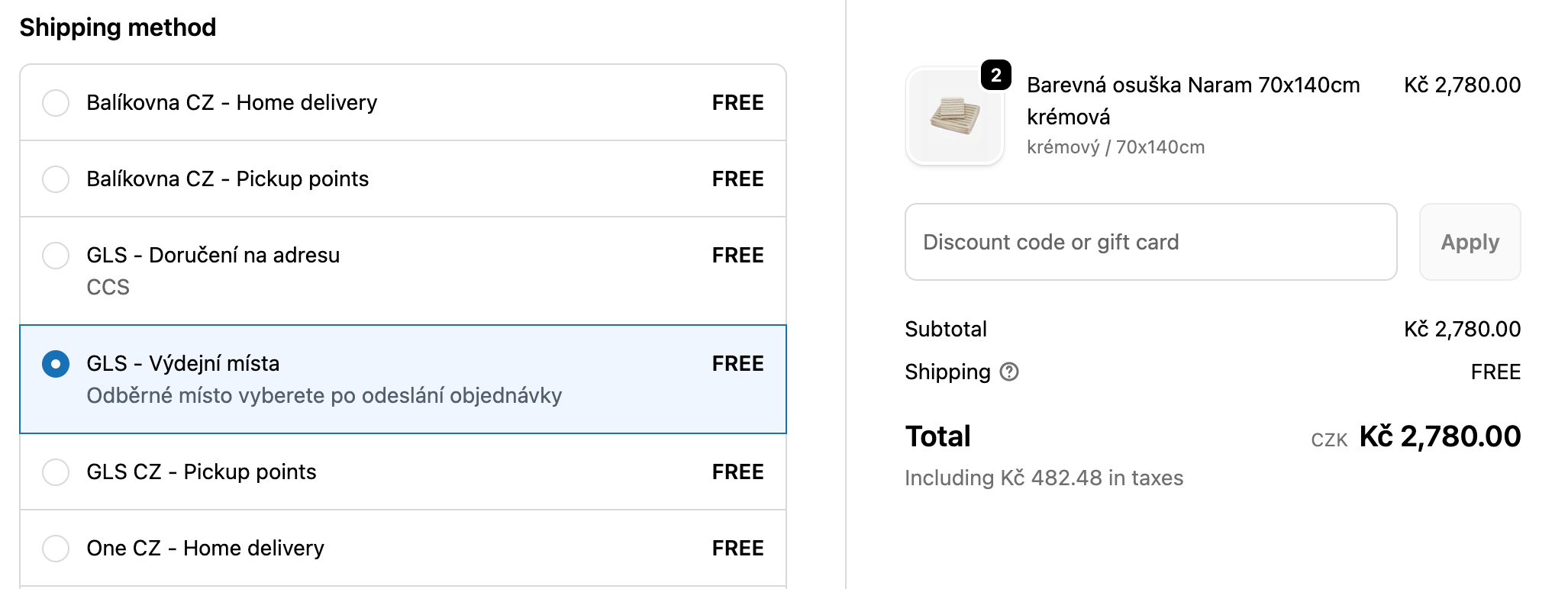

Feature Shopify plan availability
Plan | Monthly | Annual |
Shopify Plus | Available and included | Available and included |
Shopify Advanced | Available and included | Available and included |
Shopify Grow | Additional $20/month | Available and included |
Other Plans | Not available | Not available |
If you don't meet these requirements, you'll need to use the manual shipping rates mapping method instead.
If you meet the requirements but don't have CCS activated yet, or if you'd like to activate CCS with the additional fee, you'll find detailed instructions on how to contact Shopify support below.
From your Shopify admin, go to Our app > Providers
Create a new provider or select an existing one

Go to the Home delivery tab

Select integration type: CCS - Dynamic shipping rates
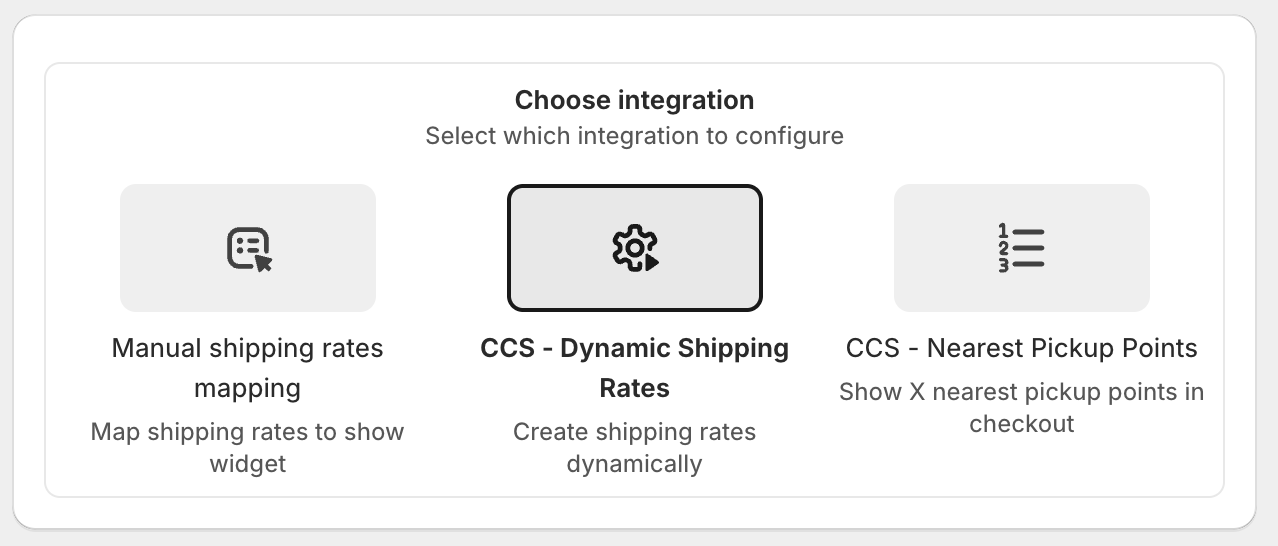
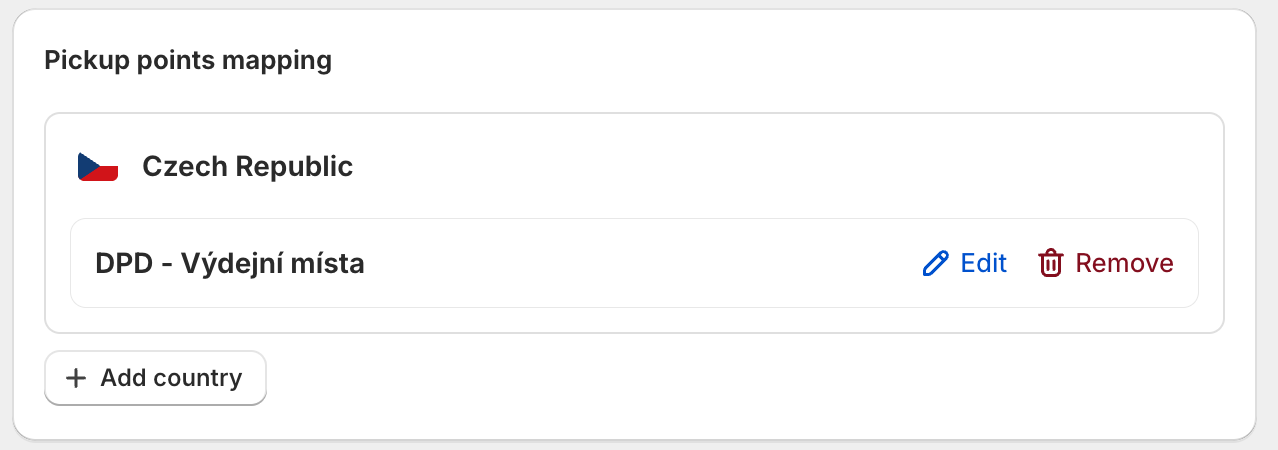
Click Add country
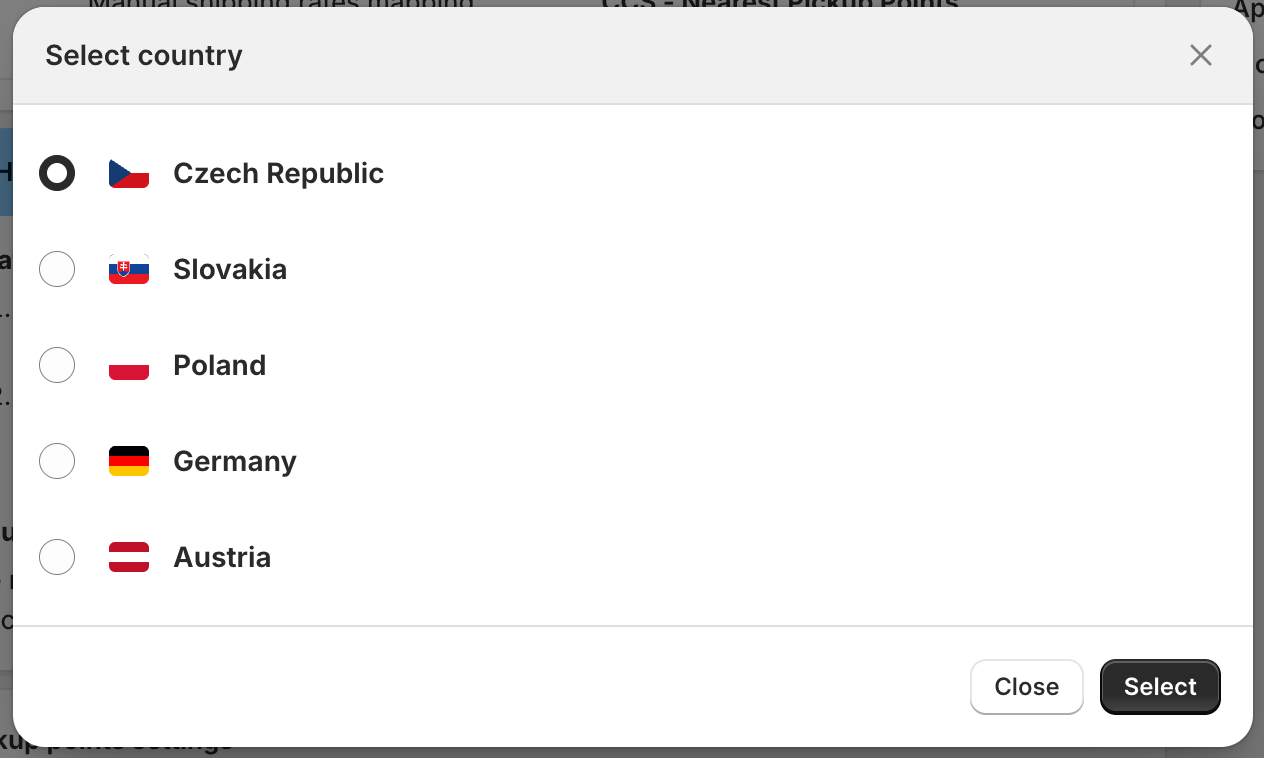
Select the country where you want to show the nearest pickup points in the dialog window.
Set up the display and pricing options for home delivery in the selected country:
Choose how the shipping rate will be displayed (Name and description)
Set the shipping price based on subtotal or weight
Optionally, configure free shipping for orders above a specific value
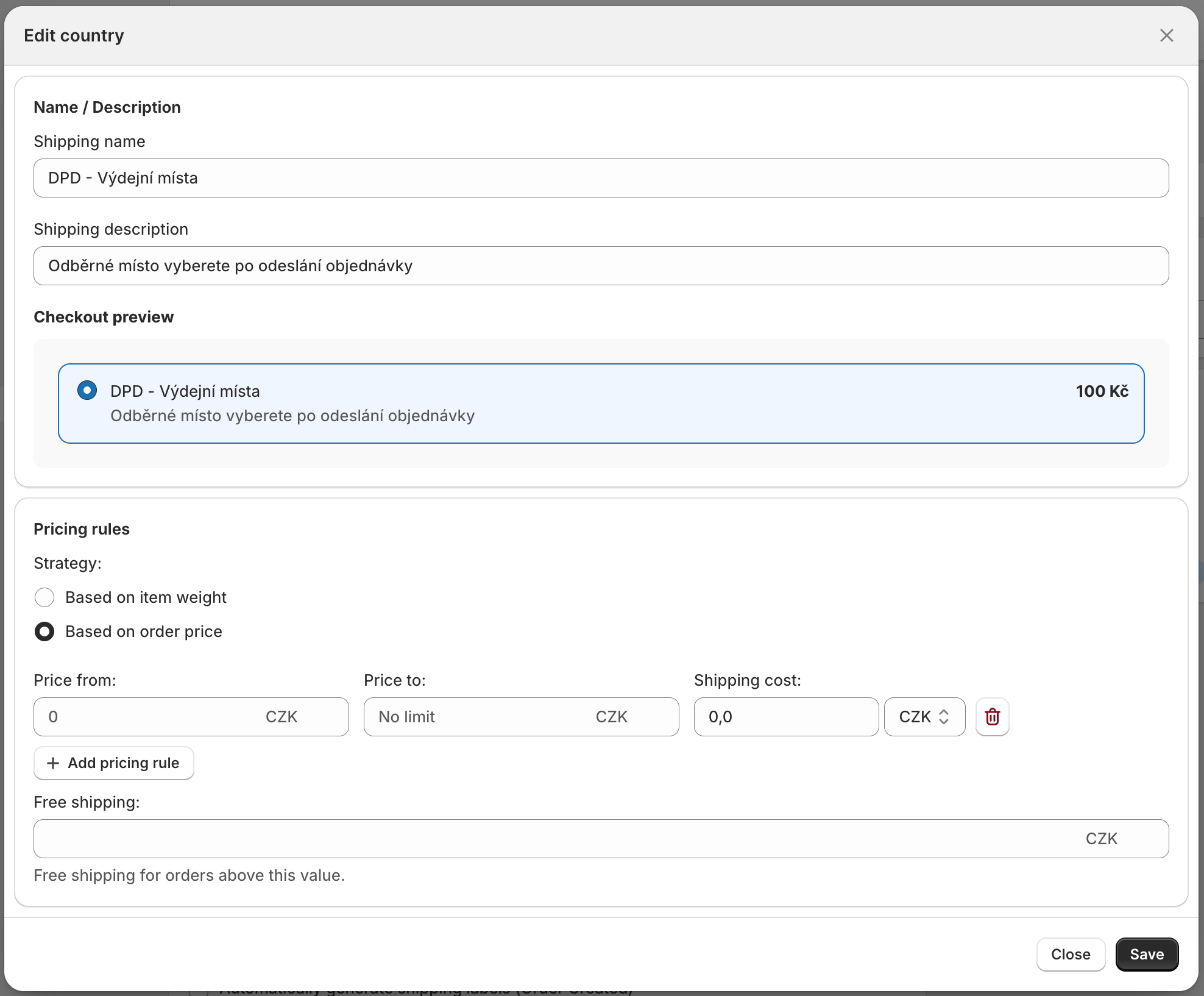
Repeat the process to configure additional countries based on your preferences.
Save your provider settings.
Verify that each country has automatic shipping rate generation via our app enabled in Shopify → Settings > Shipping and delivery.
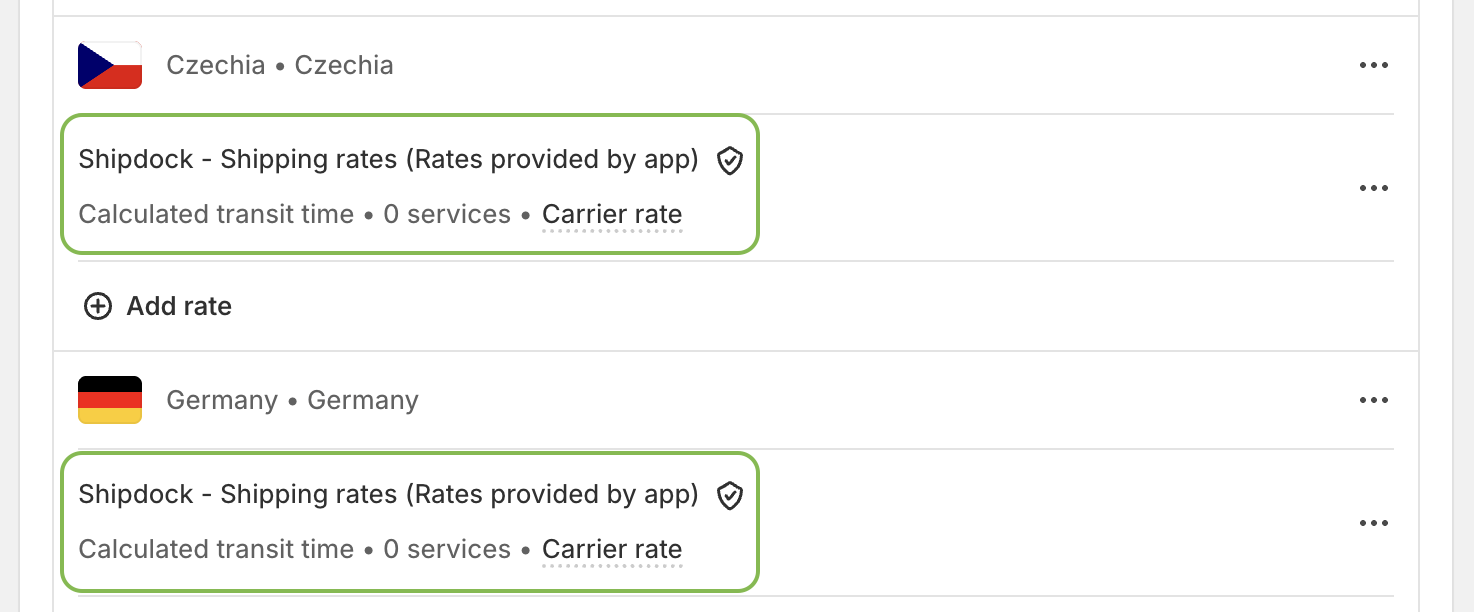
If automatic shipping rates are not enabled, add a new rate.
In the Rate type field, select "Use carrier or app to calculate rates". Then, in the dropdown below, choose our app: "Shipdock - Shipping rates (Rates provided by app)".
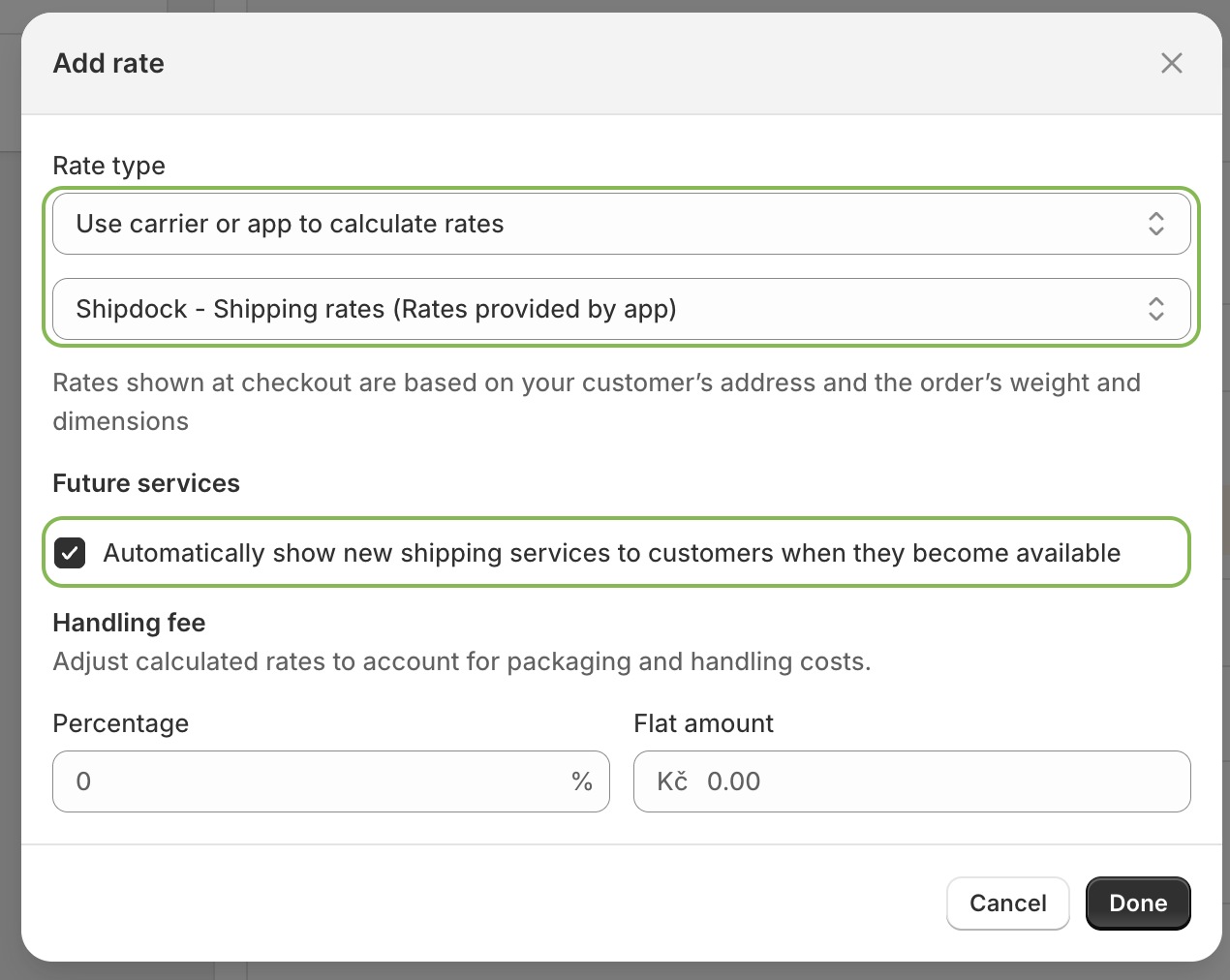
Save your settings and repeat this process for all countries.
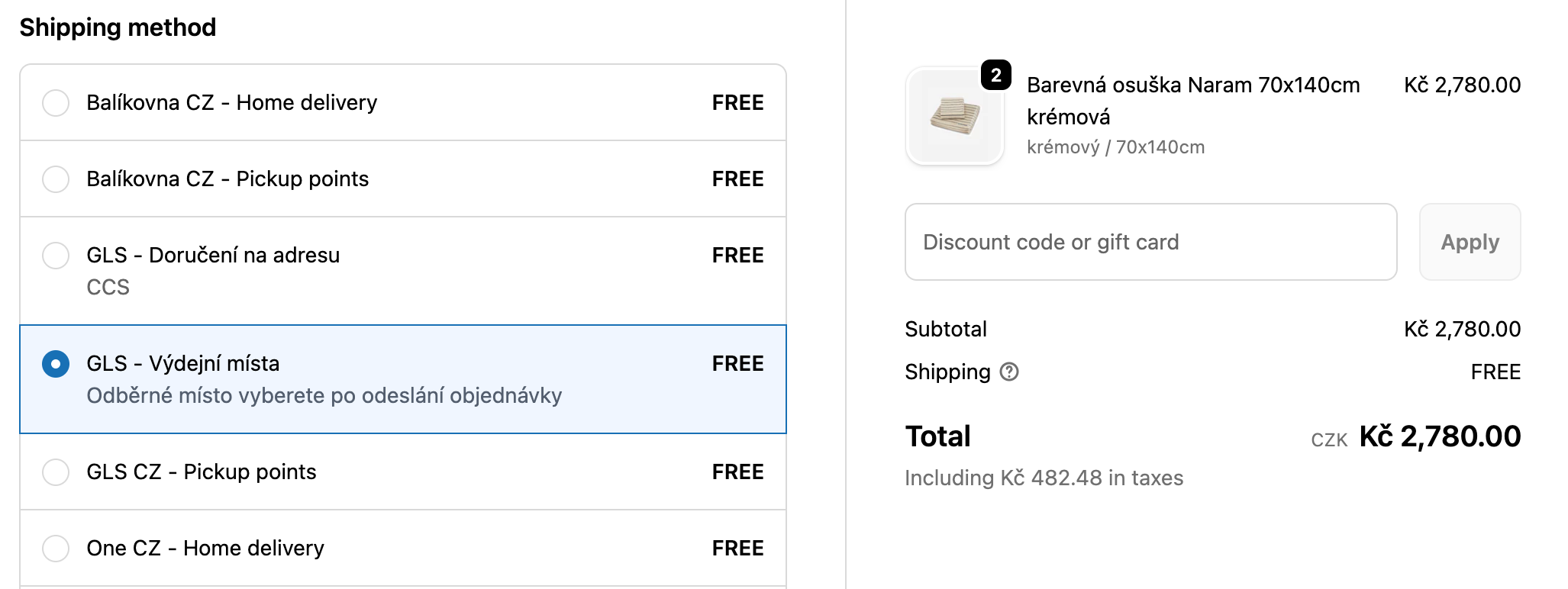
Now test the functionality in your checkout to verify everything is working correctly.
How to Enable Carrier Calculated Shipping (CCS) via Shopify Support
A step-by-step guide to requesting and activating Carrier Calculated Shipping through Shopify Support.