Feature Shopify plan availability
Plan | Monthly | Annual |
Shopify Plus | Available and included | Available and included |
Shopify Advanced | Available and included | Available and included |
Shopify Grow | Additional $20/month | Available and included |
Other Plans | Not available | Not available |
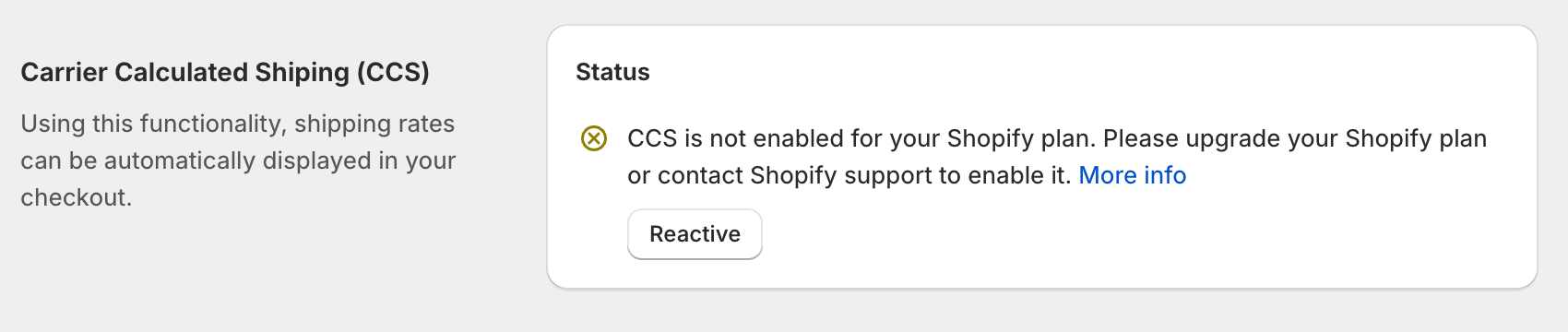
If Carrier Calculated Shipping isn't already activated on your store, you can request it through Shopify Support. Follow these steps:
Visit the Shopify Help Center and log in with your store owner account.
Start a conversation with the virtual assistant and request to speak with a live agent.
When prompted, select the store where you need CCS enabled.
Once connected with a support agent, request activation of the Carrier Calculated Shipping API. For Advanced plan users:
"Hi, I'm on the Shopify Advanced plan and would like to enable the Carrier Calculated Shipping API for my store to use with Shipdock."
For Shopify plan users ($20/month add-on):
"Hi, I'm on the Shopify plan and would like to add the Carrier Calculated Shipping API for $20/month to use with Shipdock."
The support agent will process your request and activate the API
After activation, test the functionality again in your checkout. If you're still experiencing issues, reach out to our support team — we can attempt to manually recreate the Carrier API for your store.
Once you have CCS activated, you can also enable it for Shipdock. Shipdock → Settings → General